1
Set up gates
Name each gate, assign guards and link the devices used there.
SafeGate connects the office, the gate and the review desk. Your team sets the rules, the guard checks the right record, and every gate action is saved.
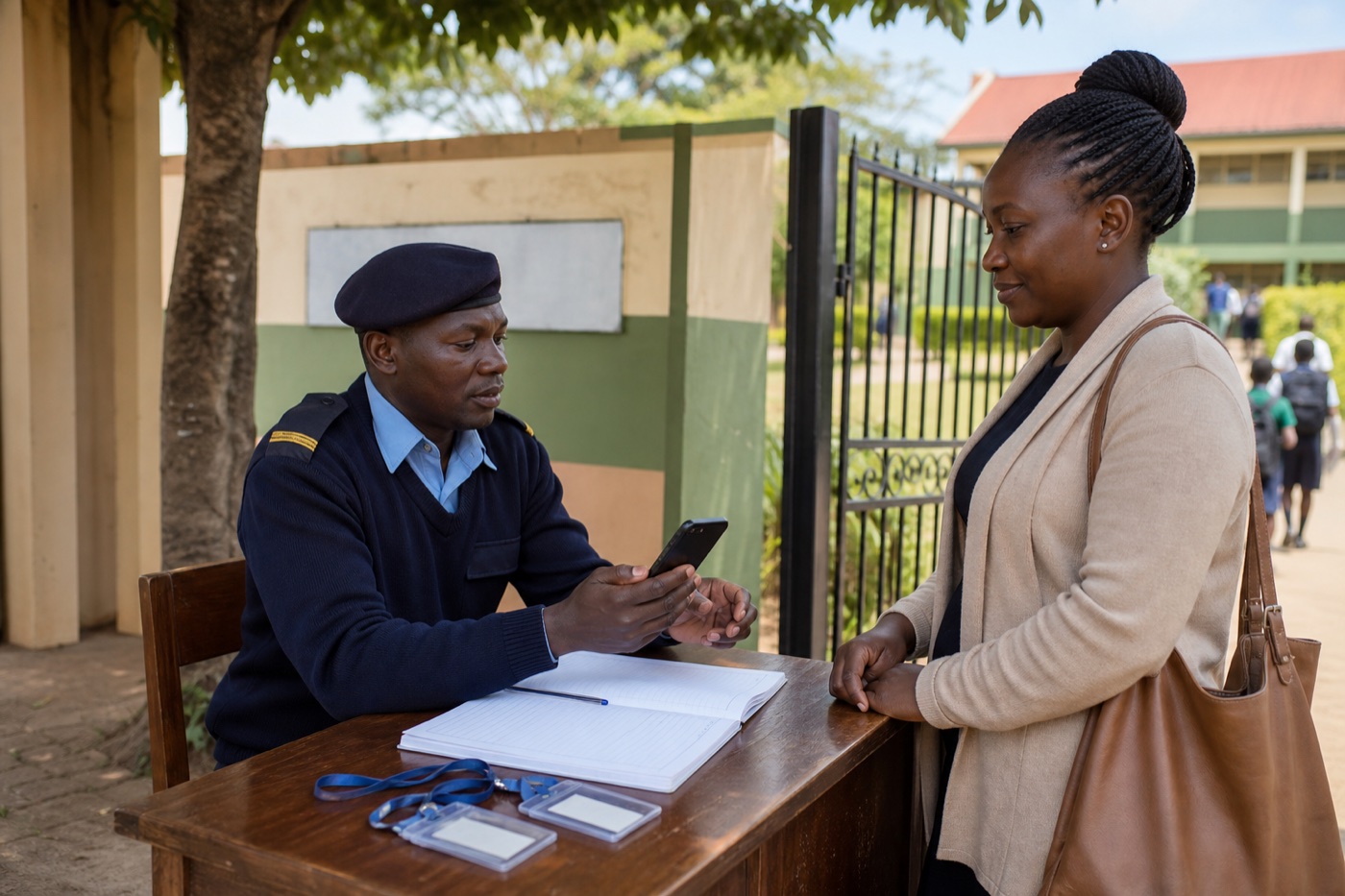
Name each gate, assign guards and link the devices used there.
Add students, pickup people, staff, visitors, cards and passes.
Define who can pick up, visit, enter, exit or needs review.
The guard scans or searches, confirms the person and records the outcome.
Office and leaders see pickups, visits, alerts, devices and reports.
At the gate
SafeGate shows whether the card, pass or person is allowed, denied, expired, blocked or already used. The guard can then release, stop, sign in, sign out or call the office.

What you need
A phone or tablet assigned to the gate and guard on duty.
Used for students, pickup people, staff, visitors or contractors.
A dashboard for records, alerts, devices, reports and follow-up.
Let's get started
We will walk through your gates, people, checks and reports using a real example from your site.
Gate checks
Guards check the right person, pass, gate and status.
Clear records
The office can review who came in, left, or needs follow-up.
Training
Your guard and office work from the same record.
After you ask
We read your gate story and reply with the next step.
Next
We confirm your people, gates, devices and any questions.
No surprises
Costs, setup and support are all agreed in writing.